
GTA 6 AI Video Generator
Turn your own video into GTA 6. Add a clip and it comes back redrawn as the game, with the same moves and sound, or put one photo into a Vice City scene that moves.
1Pick a template
Add a clip of your own. It comes back as GTA 6: the same people, moves, camera and sound, redrawn as the game.
2Your video
- No app, no prompt
- A failed video is given back
Examples
GTA 6 AI video examples
Every GTA 6 AI video here starts from you. Your video keeps the clip and changes the world around it. The photo templates start from one photo, painted into the game, and then it moves.
Your video, before and after
A stock clip of a woman walking, added as it was. It came back as GTA 6: the same walk, the same camera, the same street, redrawn as the game.
The trend
The GTA 6 AI trends on TikTok
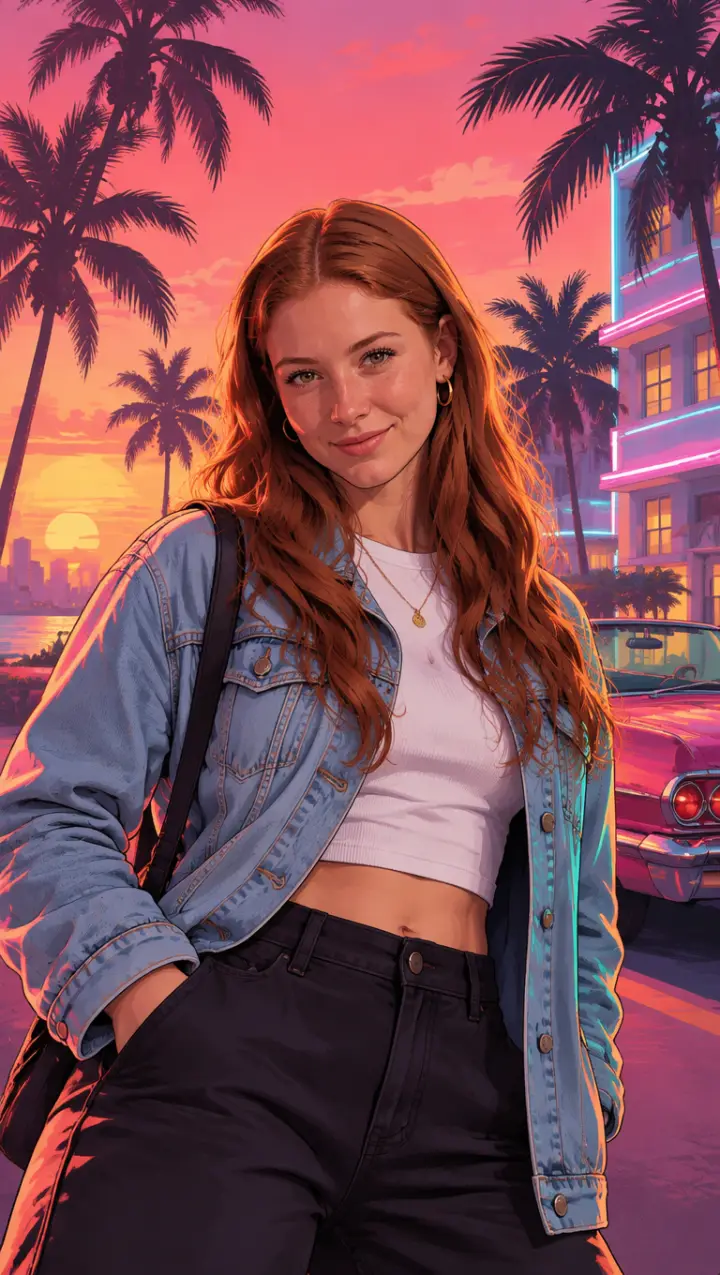
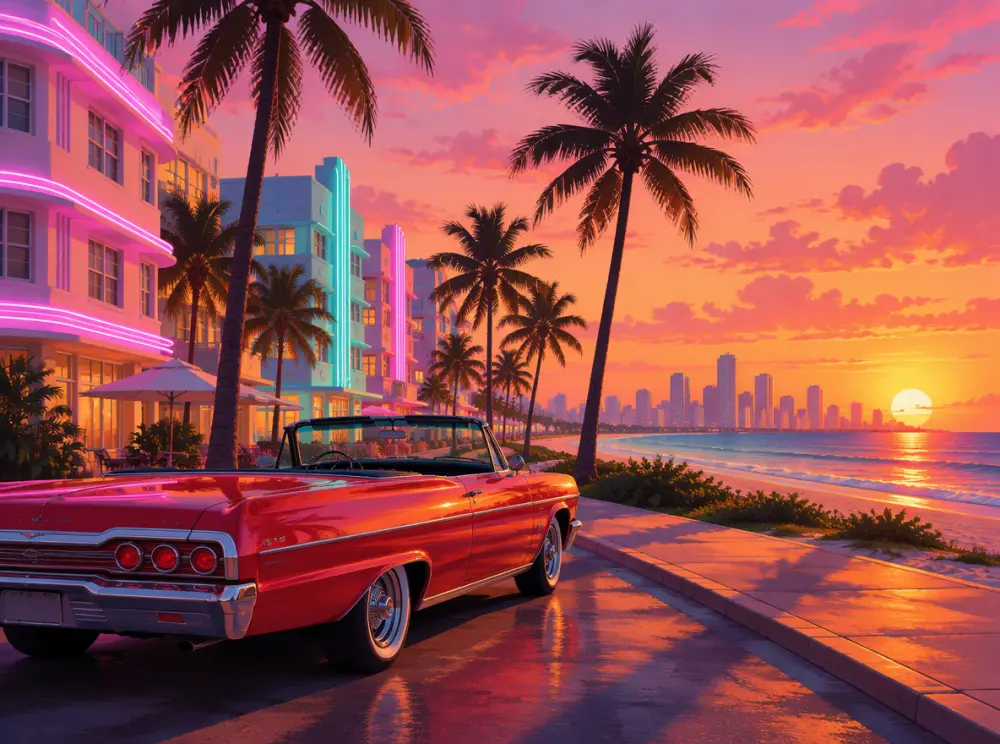
Grand Theft Auto VI came out on November 19, 2026, and the waiting turned into a trend long before that. From September, people on TikTok posted their own GTA 6 loading screen: a selfie that slides away into a painted portrait over a pink Vice City sunset, palm trees and a classic car behind them. One AI version from @kels.lately92 passed 300,000 plays, and the comments filled up with people asking how to make theirs.
In the week of the launch came the GTA 5 goodbye trend: a clip of you as a kid in 2013, the year GTA 5 came out, and you now in 2026, saying goodbye to the old game. A tutorial for it from @pidan880 passed 450,000 plays in two days.
What people want under both is the same: themselves, in the game. This GTA 6 AI video generator does it with your own clip, redrawn frame by frame in GTA 6’s look, or with one photo dropped into a Vice City scene. GTA 6 AI Video is an independent tool and has nothing to do with Rockstar Games or Take-Two.
Three steps
How to make a GTA 6 AI video
You need no editing app and no prompt. The look, the light and the motion come with the template; your part is the clip or the photo.
- 01
Pick a template
Your video redraws a clip of your own as GTA 6. Loading screen, Vice City drive and Wanted start from one photo of you. Your idea takes up to three photos and a scene you write.
- 02
Add your clip or photo
A clip straight from your phone, a few seconds long, people clearly in it. Or one sharp photo, face to the camera. Tick the box and press Make my GTA 6 video.
- 03
Download and post
The video lands in My photos & videos with sound, ready for TikTok, Reels or Shorts. Switch on the AI-generated label before you post.
What to add
Which videos and photos make the best GTA 6 AI video
Your video keeps the people, the moves and the camera of your clip, so the clip decides how good your GTA 6 AI video is. A photo template keeps your face and clothes. Clear faces in good light do best in both.
Mission passed
- A short clip, people big in the frame
- Daylight or a well-lit room
- One clear action: a walk, a dance, a wave
- A sharp photo, face to the camera
Wasted
- Long clips: trim yours to a few seconds first
- Very dark or shaky footage
- Text, stickers or another filter over the video
- A tiny face far in the background
What to film for the GTA version
Walking out of a car
The cut-scene shot everyone knows: shut the door, look up, walk past the camera.
Your crew crossing the street
Two or three friends walking toward the camera side by side, like the start of a mission.
A beach or a pool
Sun, water and palm trees are Vice City already; the GTA 6 look does the rest.
A dance or a celebration
Big, clear moves read best: the redraw keeps every one of them.
Why here
Why make your GTA 6 AI video here
Your own video, not a template
Add a clip of yours and get that clip back as a GTA 6 AI video: the same people, the same moves, the same camera and the same sound.
One look from start to end
Before the video is made, one frame of your clip is painted in GTA 6’s look. Every frame after that follows it, so the style does not drift.
A photo works too
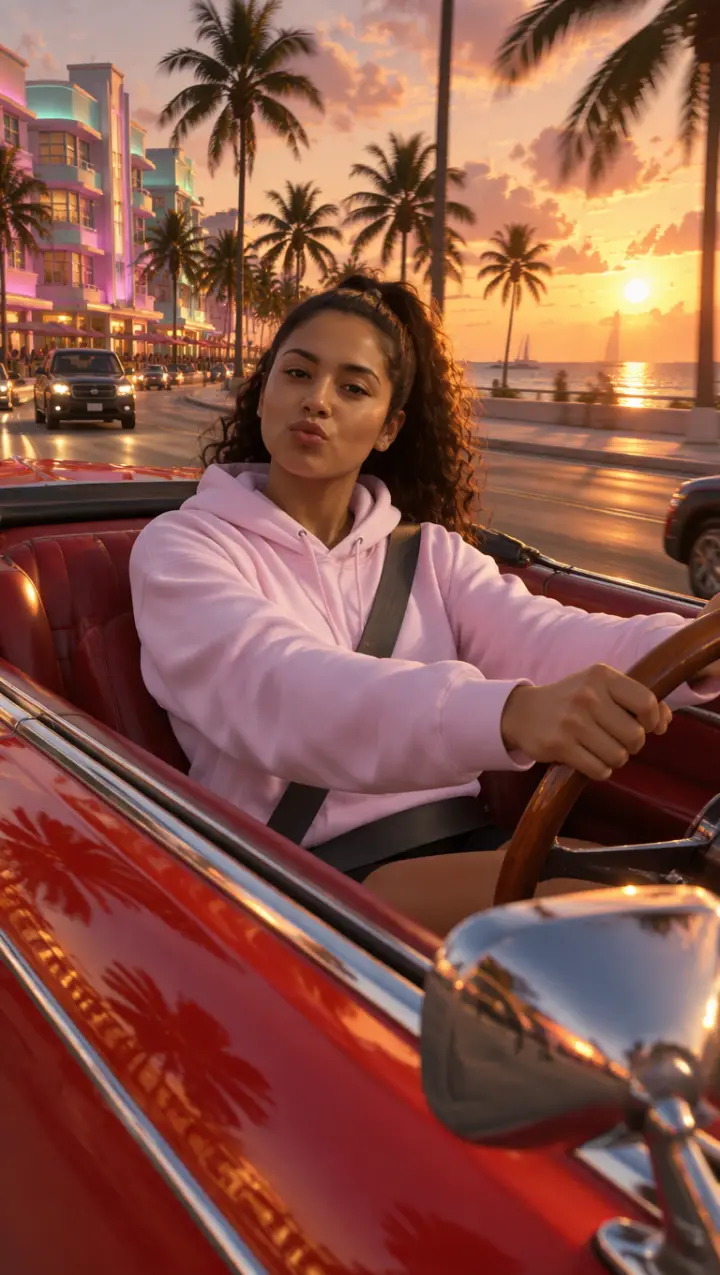
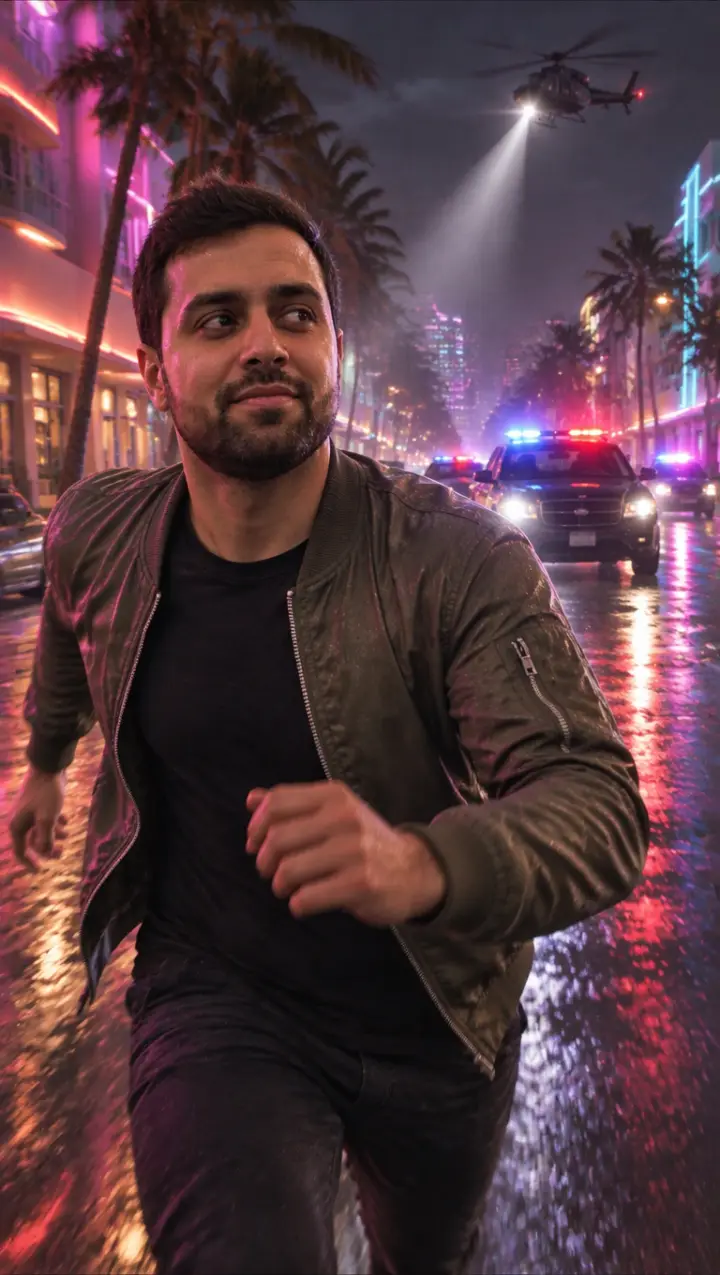
No clip? One photo becomes a GTA 6 loading screen that moves, a sunset drive or a night with the police lights behind you.
Made on your phone
No app, no prompt and no editing. Add the clip or the photo, tick the box, press the button.
Pictures and prompts as well
The GTA AI image tool makes loading screens, cover art and game characters from a photo, and the prompts page has the GTA 6 prompts people use.
Your files, your call
Your clip and photos stay with what you made and are deleted when you delete it. If a video fails, it goes back to your account on its own.
Pictures too
GTA AI images, filters and prompts
Want a still instead of a GTA 6 AI video? The picture tools turn one photo into GTA 6 art. Your first picture there is a preview with a watermark.
GTA AI Image Generator
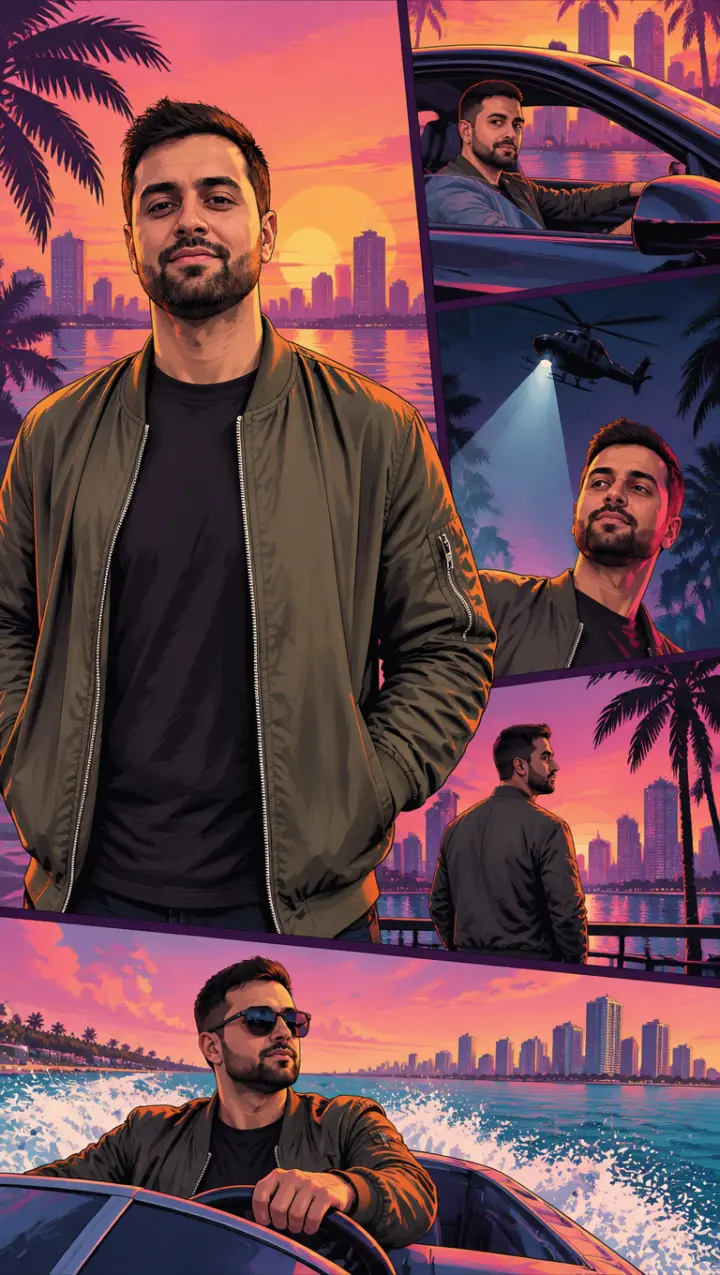
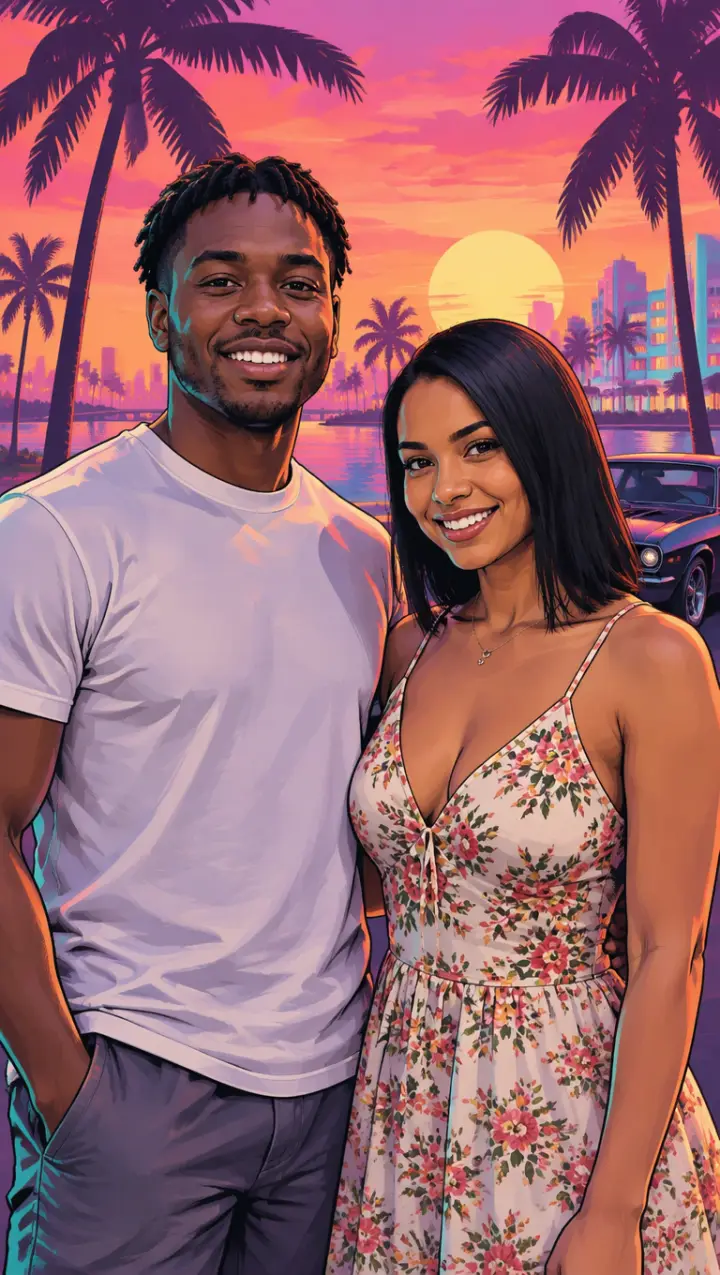
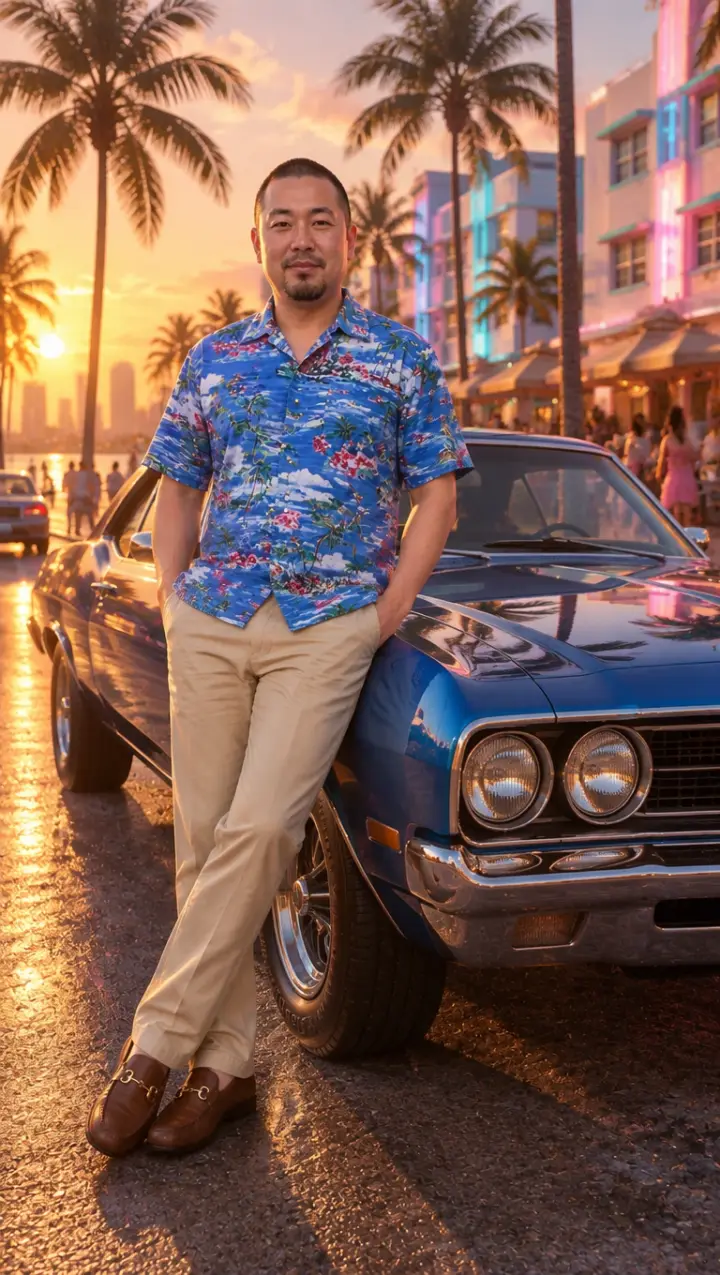
Turn a photo into GTA 6 art: a loading screen, cover art, a game character, a couple poster or you with a car. Like a GTA filter, drawn again from your photo.
GTA 6 Loading Screen Generator
Your own GTA 6 loading screen, the picture from the TikTok trend, painted over a Vice City sunset.
Turn Yourself Into a GTA Character
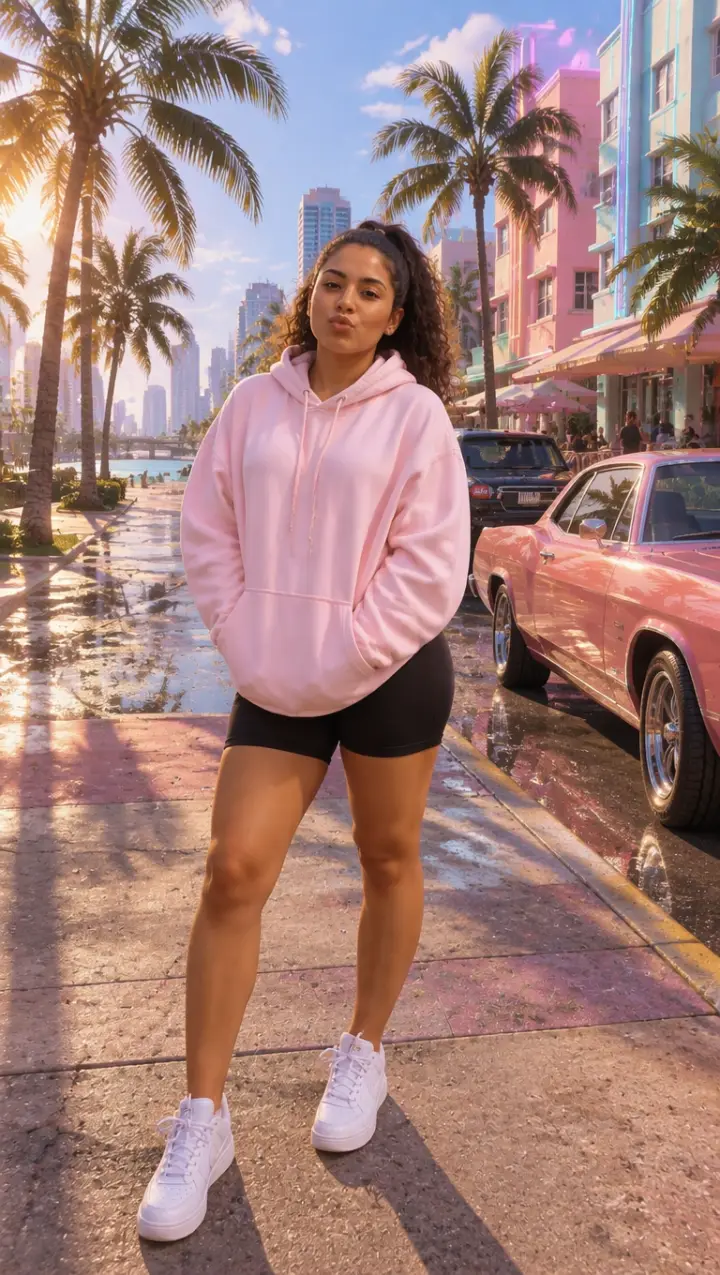
You as a playable character in the game’s 3D look, on a sunny Vice City street.
GTA 6 AI Prompts
The GTA 6 prompts people paste into ChatGPT and Gemini, sorted by look, each one ready to copy or to run here.
Pricing
Pick your pack
Pay once, no subscription. Every pack has GTA 6 AI videos and GTA photos; what you have not used never expires.
Starter
$9.90
- 1 Standard video
- 5 photos
- Your own clip or a photo template, videos with sound
- No watermark
- Never expires
- One-time payment, no subscription
Duo
$19.90
- 2 HD videos
- 15 photos
- Your own clip or a photo template, videos with sound
- No watermark
- Never expires
- One-time payment, no subscription
Five
$39.90
- 5 HD videos
- 40 photos
- Your own clip or a photo template, videos with sound
- No watermark
- Never expires
- One-time payment, no subscription
Questions
GTA 6 AI video FAQ
Is this an official GTA 6 or Rockstar tool?
No. GTA 6 AI Video is an independent tool. It is not made, approved or endorsed by Rockstar Games or Take-Two Interactive. It draws your clip or photo in a look inspired by the game and puts no game logos in your video.
How long can my video be?
Up to 10 seconds, at least 2. A longer clip is turned away before it uploads: trim it in your phone’s Photos app first and keep the part with the best moment.
Does it keep the sound?
Your video keeps the sound of your clip. The photo templates come with sound of their own: the sea and the wind on the drive, sirens and a helicopter on Wanted.
What is the difference between Standard and HD?
Both make the same video. Standard renders at 480p and HD at 720p, so faces and details come out sharper in HD. The pack you buy sets it; if you have both, HD goes first.
Can I make a GTA picture instead of a video?
Yes, with the GTA AI image generator: add a photo and pick a loading screen, cover art, a game character, a couple poster or you with a car. Your first picture there is a preview with a watermark.
What is the difference between Your video and the photo templates?
Your video redraws a clip you film, whole: your people, your moves, your camera and your sound, in GTA 6’s look. The photo templates start from one photo of you: it is painted into a GTA scene, a loading screen, a sunset drive or a police chase at night, and that picture then moves.
Can I use a landscape video?
Yes. Your video keeps the shape of the clip you add, vertical or landscape. The photo templates come out vertical, ready for TikTok.
Is there a GTA 6 AI video template like the TikTok ones?
The loading screen template is the TikTok GTA 6 loading screen trend: your photo becomes the painted loading screen, and then it comes alive. There is nothing to download and no template file to edit: pick it on this page and add your photo.
How long does it take?
Most videos are ready in 3 to 6 minutes. You can close the page: the video waits in My photos & videos, and we email you when it is done.
What happens to my video and photos?
They are used only to make what you asked for. They stay with it in My photos & videos and are deleted when you delete it; anything you add and never use is erased within a day. Nothing is public unless you share it, and none of it trains any model.
Your turn to be in the game
One clip or one photo, and your GTA 6 AI video is ready to post.
Make my GTA 6 videoGTA 6 AI Video is an independent, unofficial fan tool. It is not affiliated with, endorsed by or sponsored by Rockstar Games, Take-Two Interactive or TikTok. Grand Theft Auto, GTA and GTA VI are trademarks of Take-Two Interactive; they are used here only to describe the look people ask for. No game footage, artwork or logos are used. Every video and picture made here is AI-generated: say so when you share it. Rights holders can write to support@gta6aivideo.app.